

What It Does
Your backend services — API servers, workers, background jobs — need to run somewhere. You put them in containers that can run on any cloud VM. After Monk analyzes your code, it containerizes the components that need it, tests them, and prepares them for deployment. No Containerfiles required. If you have them, Monk uses them.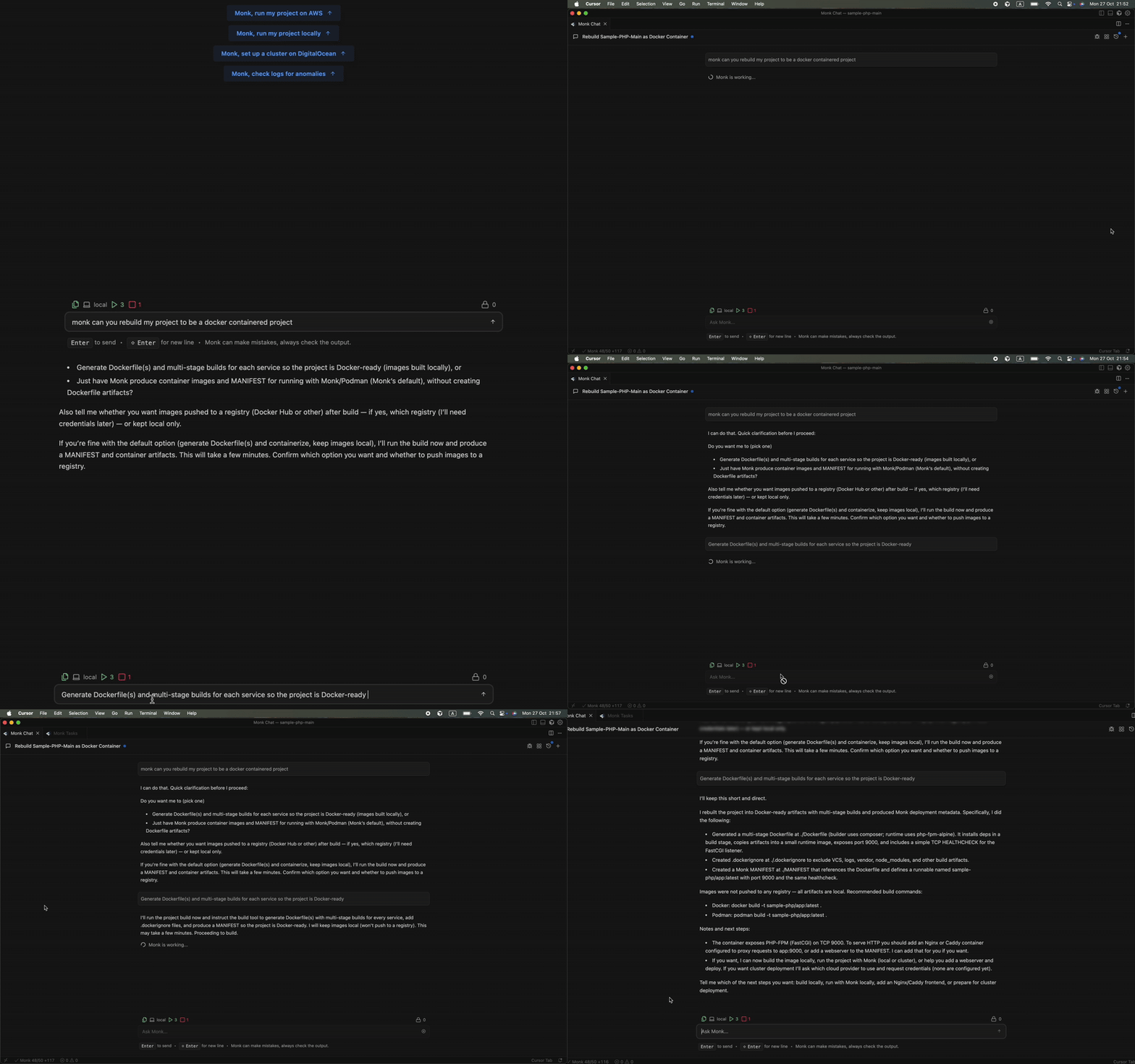
How Containerization Works
Automatic Container Creation
After code analysis, Monk identifies which components need containerization:- API servers — Express, FastAPI, Spring Boot, Go HTTP servers, etc.
- Backend services — Node.js, Python, Go, Java, Ruby, .NET services
- Workers — Celery, Sidekiq, background job processors
- Scheduled tasks — Cron jobs, periodic workers
Using Existing Containerfiles
If you already have aContainerfile, Monk will:
- Build it — Uses your existing configuration as-is
- Test the container — Boots it up to verify it works
- Iterate if needed — If there are issues, Monk fixes them automatically
- Optimize if possible — Suggests improvements for security and performance
Generating New Containerfiles
No Containerfile? Monk generates one using best practices. Multi-stage builds — Separate build and runtime stages to minimize image size:- Small base images — Alpine Linux or distroless when possible
- Security hardened — Non-root users, minimal attack surface
- Optimized layers — Proper caching for faster builds
- Framework-specific — Tailored to Django, Rails, Spring Boot, etc.
Testing & Iteration
Monk doesn’t just generate containers. It validates they work.- Builds the container locally in your IDE
- Starts the container and tests if the service boots
- Checks health to verify the service responds
- Fixes issues — if problems occur, Monk iterates until they’re resolved
See Source Code Editing for details on code fixes
Local Build + CI/CD Integration
Containerization happens in two places: Locally — Right in your IDE when you first deploy. Monk builds containers on your machine so you can test and verify before anything goes to production. CI/CD — Monk configures your pipeline so containers rebuild automatically when you push changes. Your production images stay current without manual intervention.Zero-Config Container Registry
Every Monk deployment includes a private container registry. No setup required.- Your container images are stored securely
- Direct push from your machine or CI workflow
- Images deploy straight to the runtime environment
- No external registry accounts needed
BYOI principle: The container registry runs on your infrastructure, just
like everything else Monk manages. Your images never leave your control.
How Orchestration Works
Monk’s Built-in Orchestrator
Monk includes a distributed orchestrator that manages all your containers regardless of where they run. It doesn’t use Kubernetes under the hood. What this means for you:- Direct control — Monk manages containers natively, no abstraction layers
- Multi-cloud aware — Works across AWS, GCP, Azure, DigitalOcean
- Unified control plane — Replaces both Terraform and Kubernetes functions
- Resource efficient — No K8s overhead or complexity
What the Orchestrator Handles
Live resource tracking — A real-time resource graph of your entire infrastructure. It understands dependencies, relationships, and the lifecycle of every component. Networking — Automatic network segmentation, encrypted service-to-service connections, cross-region and cross-cloud support. See Networking for details. Cost awareness — Tracks the cost of each resource over time. See Cost Tracking for real-time monitoring. Multi-cloud orchestration — Manages containers across different providers simultaneously. One-command cluster spin-up. Works on-prem too. See Multi-Cloud Support for details.Universal Container Support
While Monk provides a private registry, it pulls from anywhere — AWS ECR, Google Container Registry, Azure Container Registry, public registries, private registries. You provide the address and credentials, and Monk handles the rest.Example: Multi-Service Application
Here’s containerization in action with a Python + Node.js app. Your application:- FastAPI backend (Python)
- React frontend (doesn’t need containerization — goes to Netlify)
- Celery worker (Python)
- PostgreSQL database (managed service — no container needed)
- Analyzes components — FastAPI and Celery need containers
-
Generates Containerfiles:
- Builds and tests both containers locally
- Pushes to registry in your cloud account
- Deploys containers with proper orchestration
Code Analysis
How Monk understands what to containerize
Build & CI/CD
Automatic container rebuilds on every push