

CI/CD
Set up continuous deployment so every push to your repository triggers a new build and deploy. No pipeline files to write.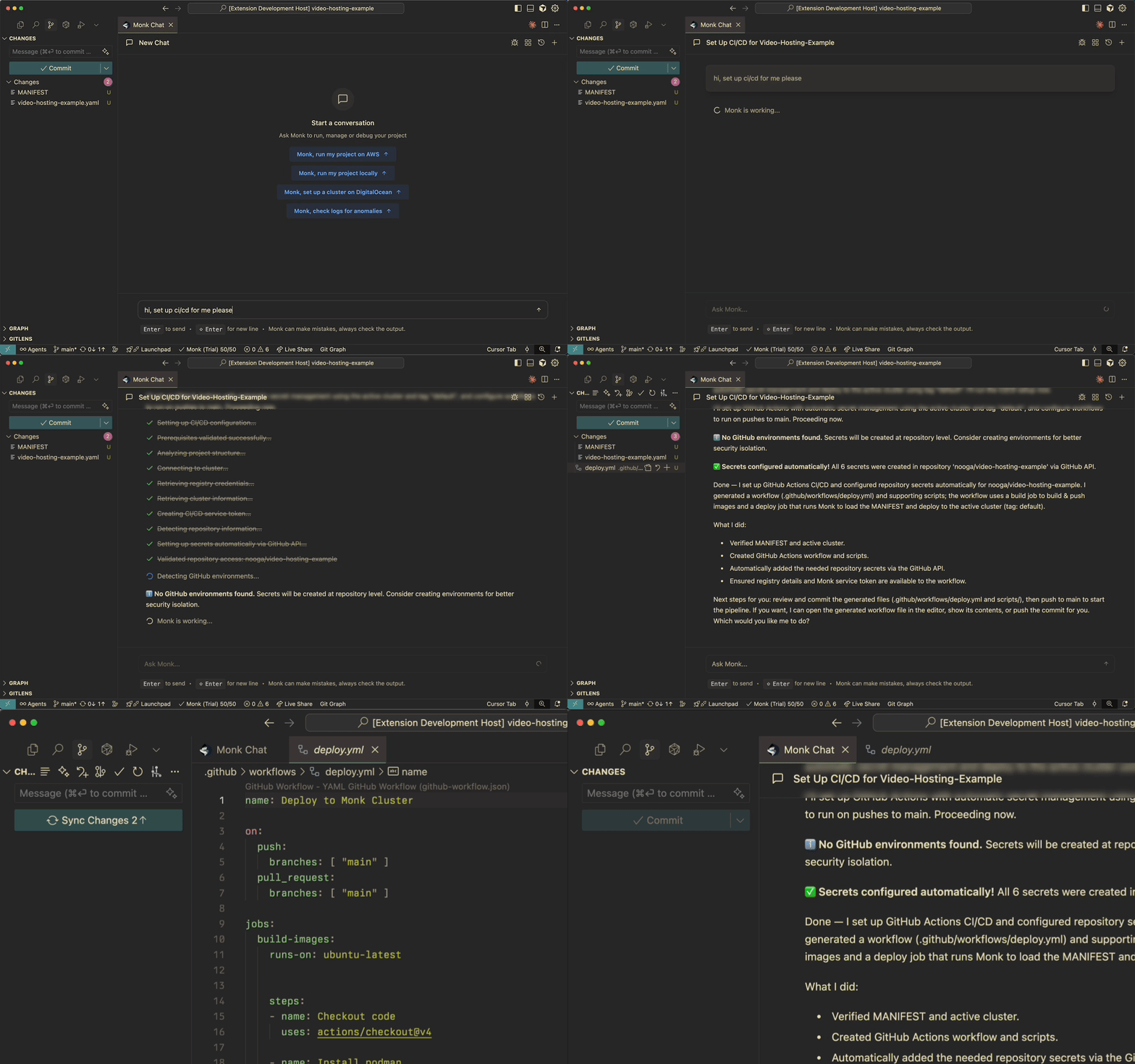
CI/CD setup guide
Detailed walkthrough and configuration options
Watcher
Watcher monitors your services around the clock. When something goes wrong — a container crashes, CPU spikes, a health check fails — Monk sends an alert to Slack with full context and a Fix with Monk button that lets you resolve the issue in one click.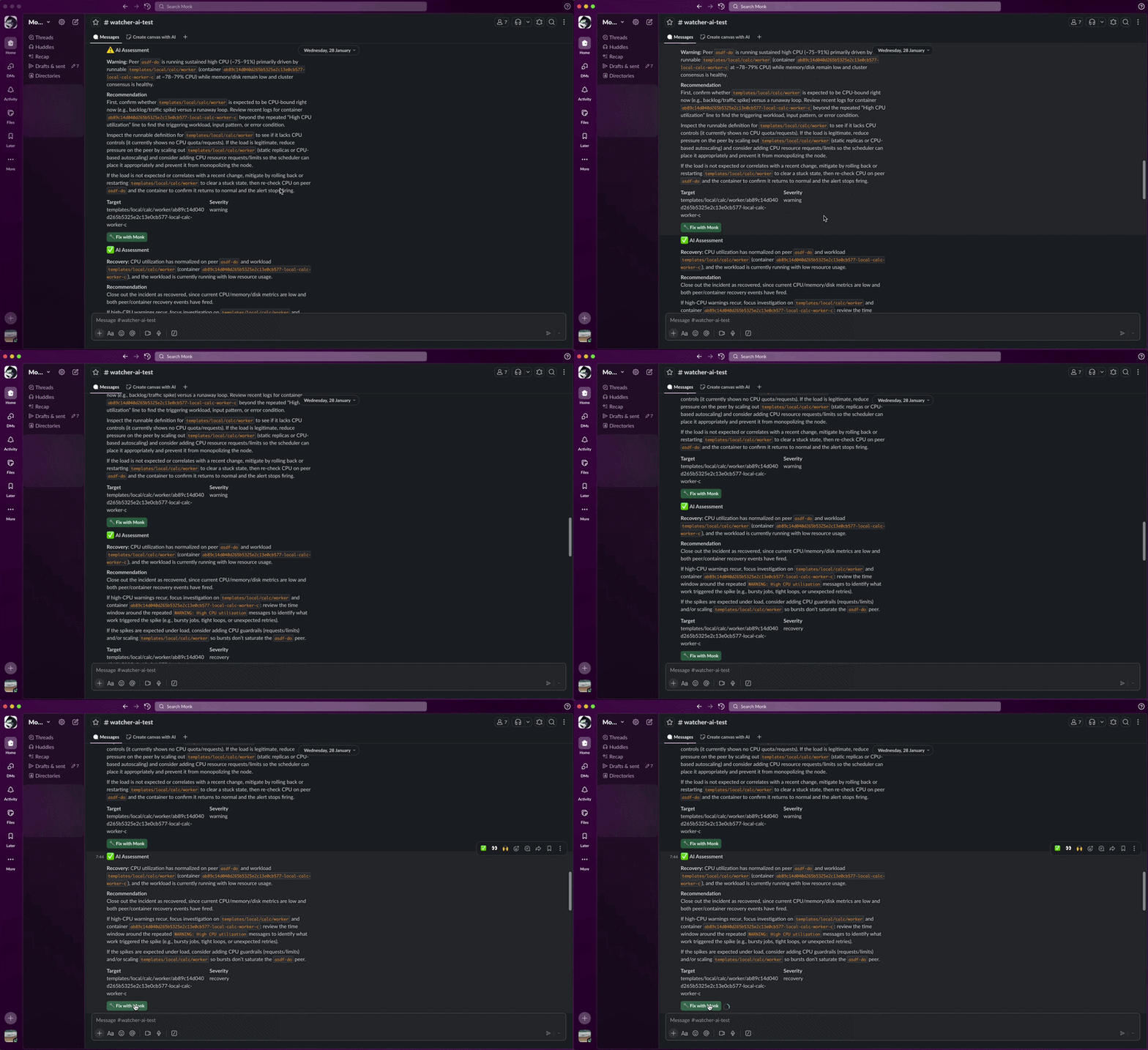
Watcher setup guide
Alerts, triage, Slack integration, and the Fix with Monk button
Coming soon: Monk on Slack — Monk asks you questions and requests approvals directly in Slack while it works, so you can manage your infrastructure on the go without opening your IDE. Upvote it on our roadmap.
Logs and Debugging
Access logs from any running service instantly. No SSH, no dashboards to set up.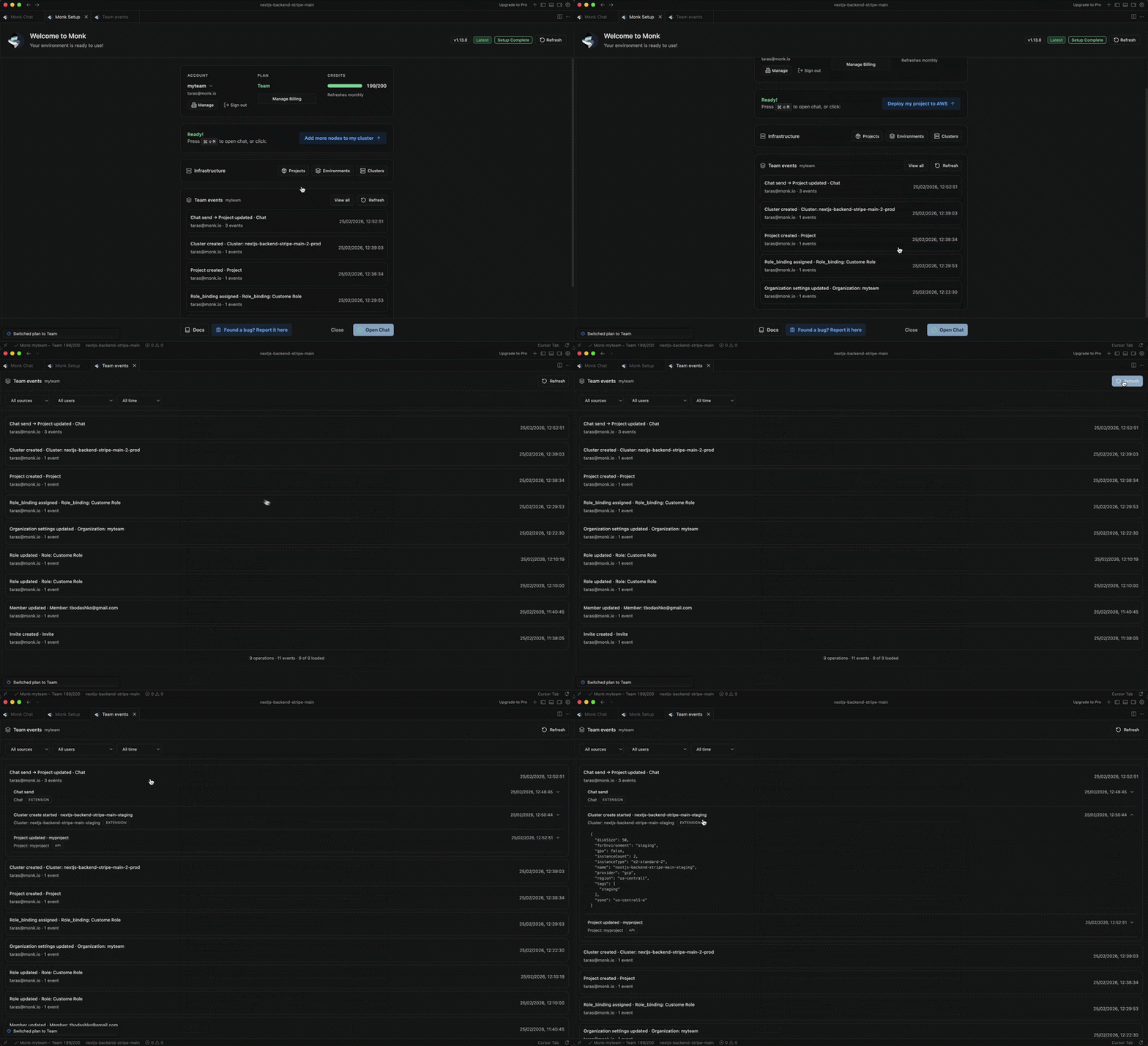
Live System View
Monk maintains a live graph of your entire application — every service, database, load balancer, and connection. You can see it anytime.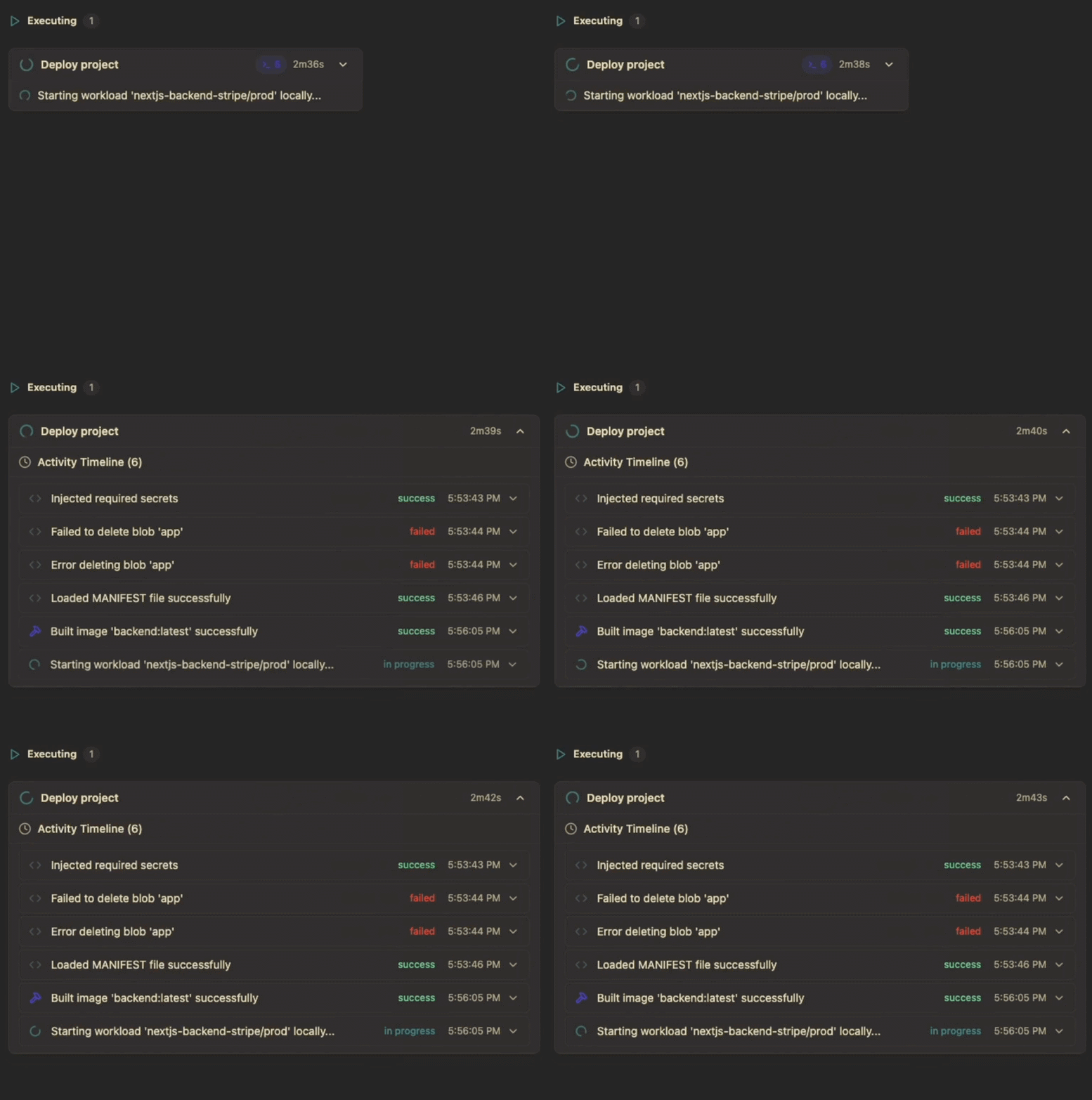
Scaling
Scale services up or down with a prompt. Monk handles instance resizing, load balancer updates, and zero-downtime rollouts.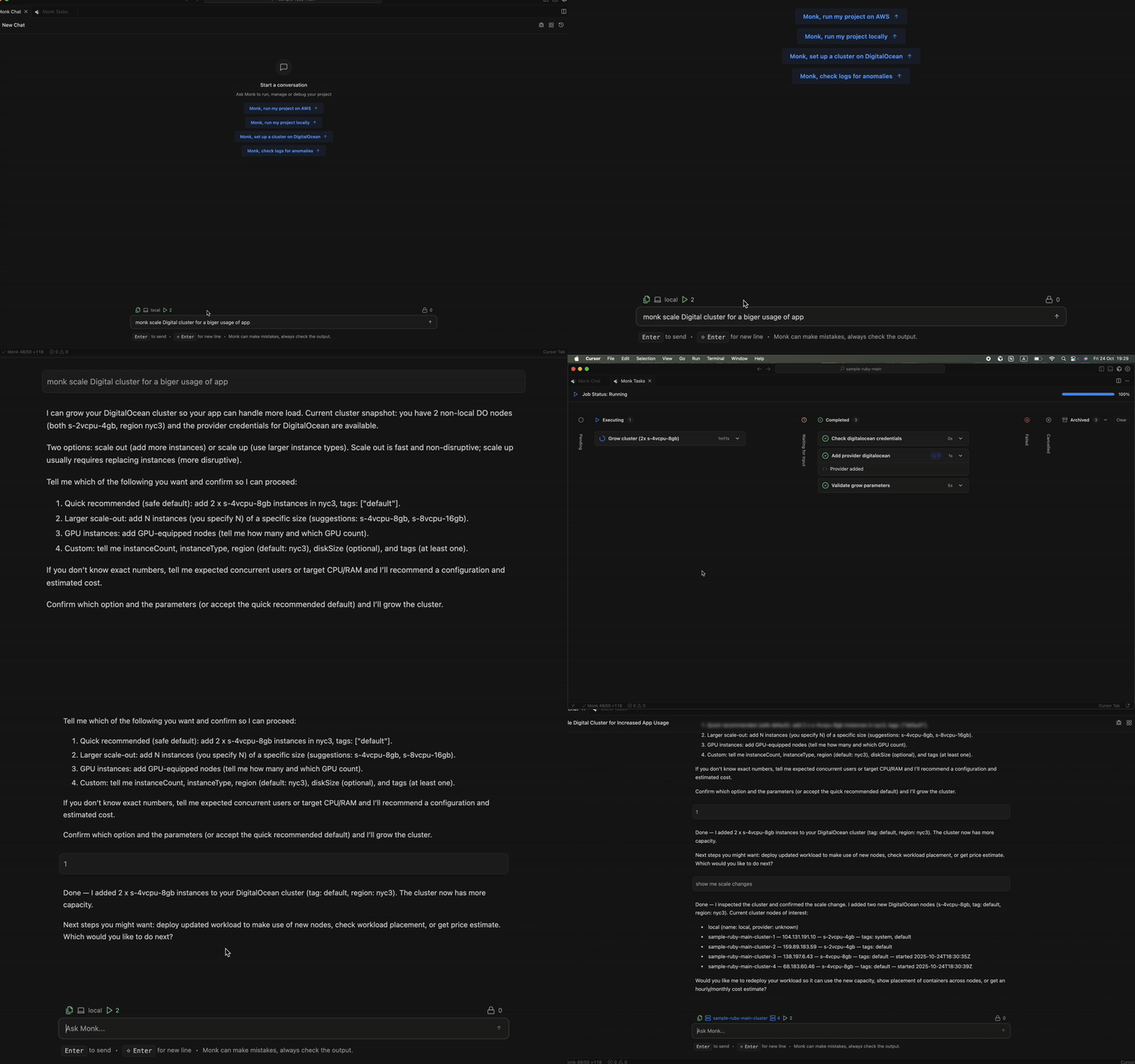
Cost Visibility
See what your infrastructure costs right now, broken down by service.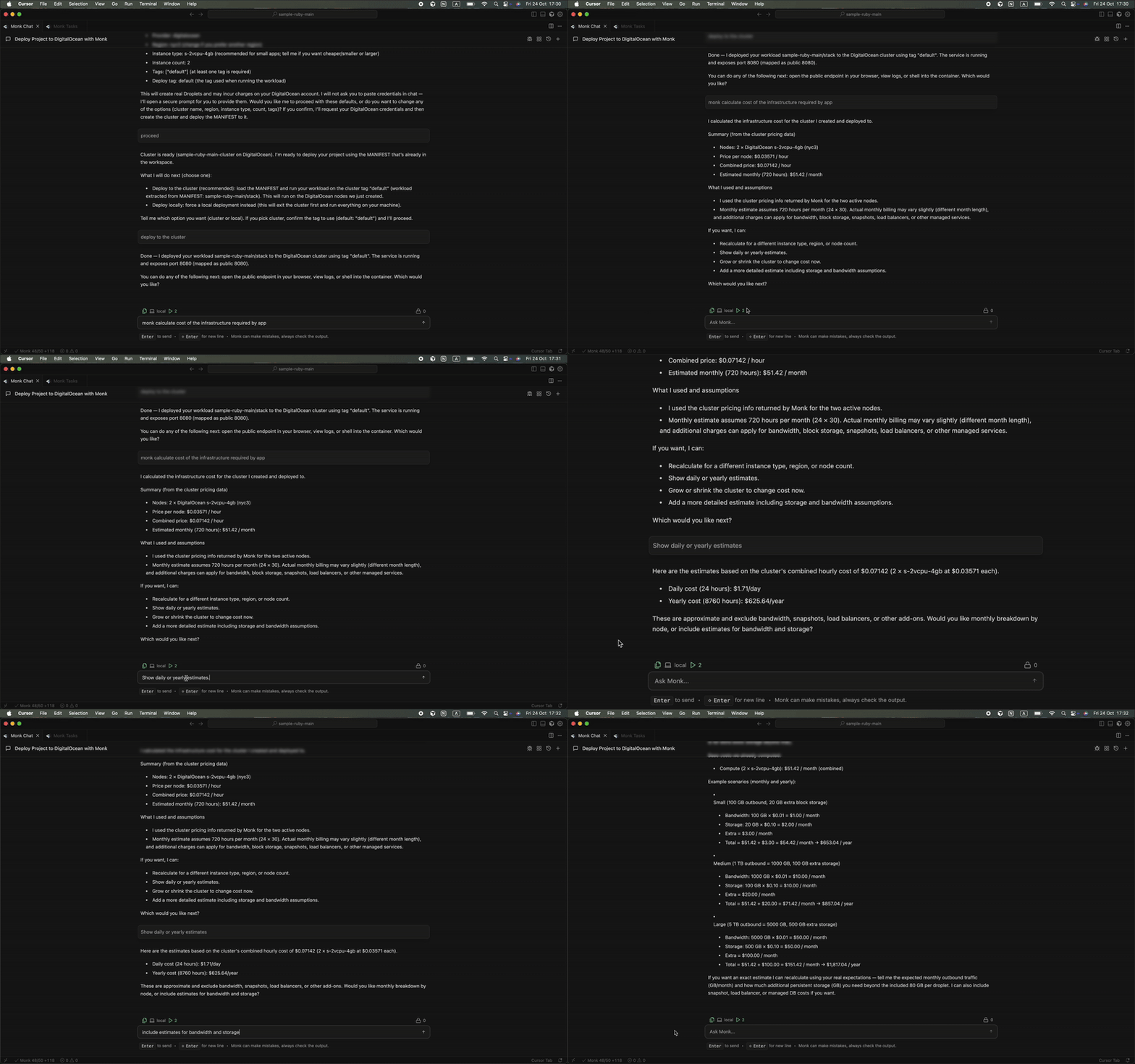
Migration
Move workloads between clouds or regions without rebuilding anything. Monk handles the migration end to end.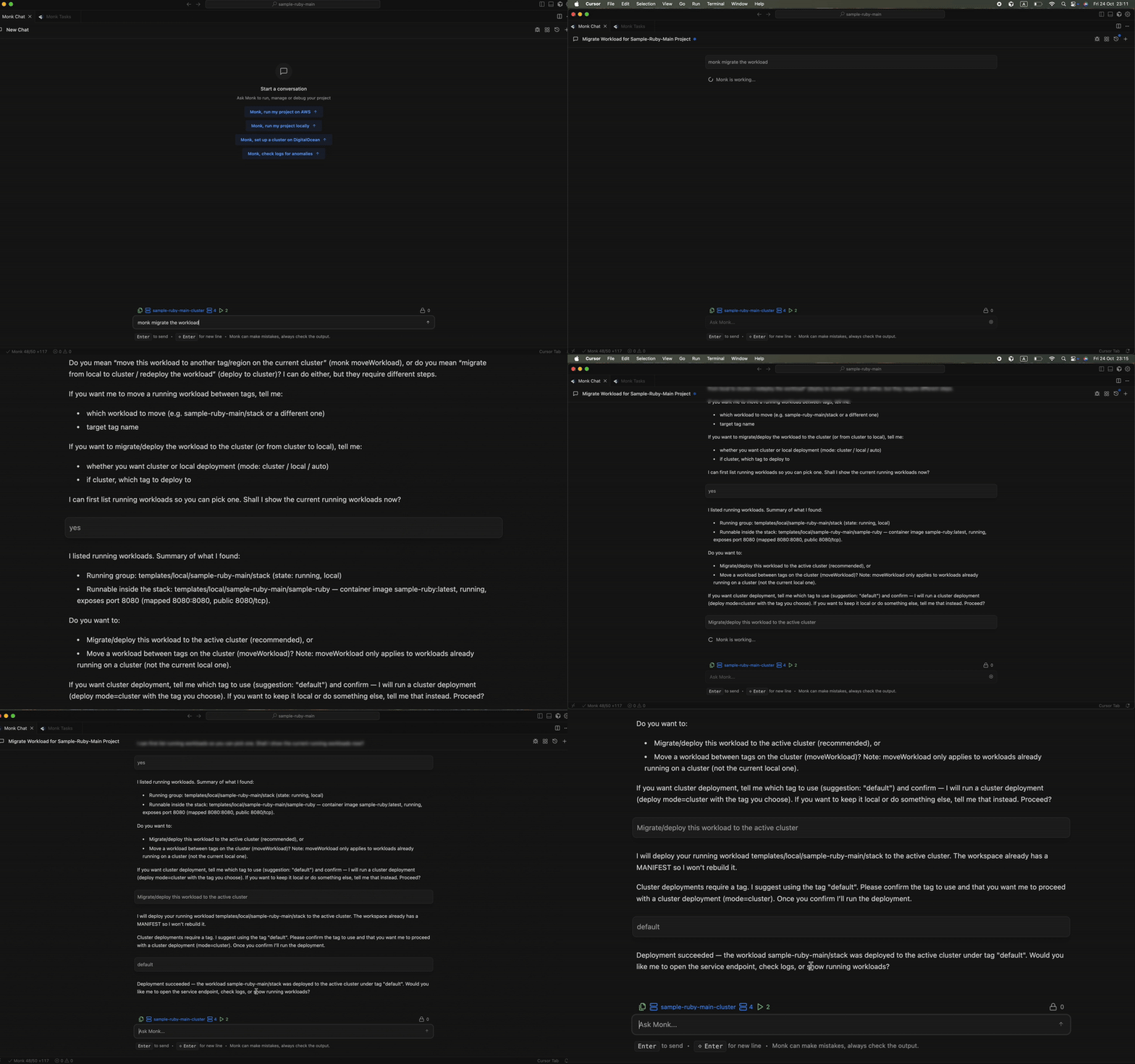
What Monk Handles vs. What It Asks You
Monk executes autonomously on implementation details — container builds, networking, security groups, health checks, DNS. It does not ask permission for these. Monk asks you about things that matter: which cloud provider, which region, whether to use a managed database or self-hosted, and before any destructive action like deleting infrastructure. You stay in control. You can review plans before deployment, override decisions, and ask “why” at any point.Next Steps
Connect your cloud
Add more cloud providers and service credentials
Prompting guide
Tips for getting the most out of Monk
All features
Complete reference of everything Monk can do
Getting help
Bug reports, support channels, and community